
How to Replace Batteries in a Proform Elliptical Stride 825
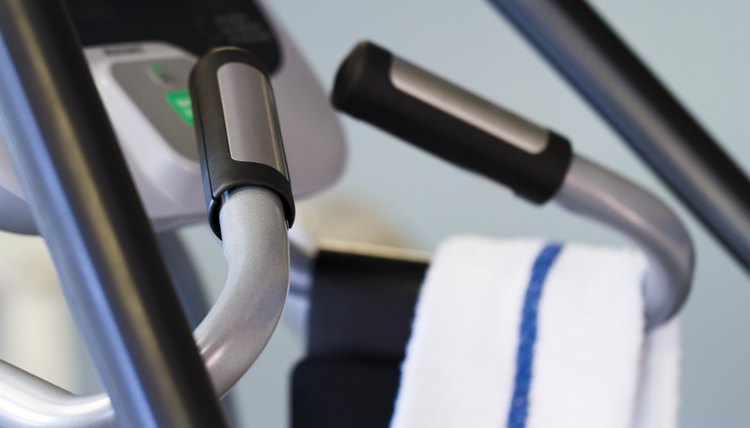
The Proform Stride Select 825 is an elliptical machine designed to minimize the impact on your knees and ankles during cardio exercise. The pedals and handlebars are manually powered by the movements of the user. The machine features a battery-powered console equipped with a fan and a digital display to keep track of the time. Four D batteries are required to power the console.
Locate the battery cover on the Proform 825 console. It is located on the right side, just below the face of the console. This is on the side opposite the fan.
Press the tab on the top of the battery cover to release and remove it. The battery cover is in the shape of a half-moon. The tab is located along the horizontal side of the cover.
Remove the existing batteries from the console and replace them with four new D batteries. Make sure you orient the batteries as shown by the markings visible on the battery door. If you fail to install the batteries properly, the console won't turn on.
Replace the battery cover by aligning it with the opening on the console and pressing the tab inward. You should hear a clicking sound when the battery cover is secured.
Tips
Alkaline batteries are recommended, as they typically last for a longer time in electronic equipment such as the elliptical console.
Warnings
Allow the elliptical to return to room temperature before replacing the batteries if it has been exposed to cold temperatures. Otherwise, the console display may become damaged.
Writer Bio
Janet Renee is a clinical dietitian with a special interest in weight management, sports dietetics, medical nutrition therapy and diet trends. She earned her Master of Science in nutrition from the University of Chicago and has contributed to health and wellness magazines, including Prevention, Self, Shape and Cooking Light.